Planning systems for business, money, school, recovery, energy, creativity, and real life
MAC MANAGEMENT PLANNER SYSTEMS
Pick the planner. Choose app access or printable. Start with a system that fits.
MAC MANAGEMENT is not a random pile of worksheets. It is a library of focused command-center planners for the parts of life and business that need structure, visibility, and follow-through.
- 25
- Planner systems
- 2
- Purchase options
- 100%
- Print ready
Shop directly at macmanagement.pro.
MAC MANAGEMENT planners are sold here first, with support and customer account access handled through the official domain.
A planner should tell you what to do next, not make you build the system from scratch.
Two purchase paths on every planner page: monthly interactive access or printable-only
Printable files can be used on paper or imported into tablet PDF annotation apps
Choose monthly app access or a printable file.
Pick based on how you actually want to use the planner, not based on which option sounds fancier.
Monthly digital access
Best if you want to use the MAC MANAGEMENT planner workspace online, save progress to your account, return from supported devices, and receive app updates while subscribed.
Choose a planner to subscribePrintable-only purchase
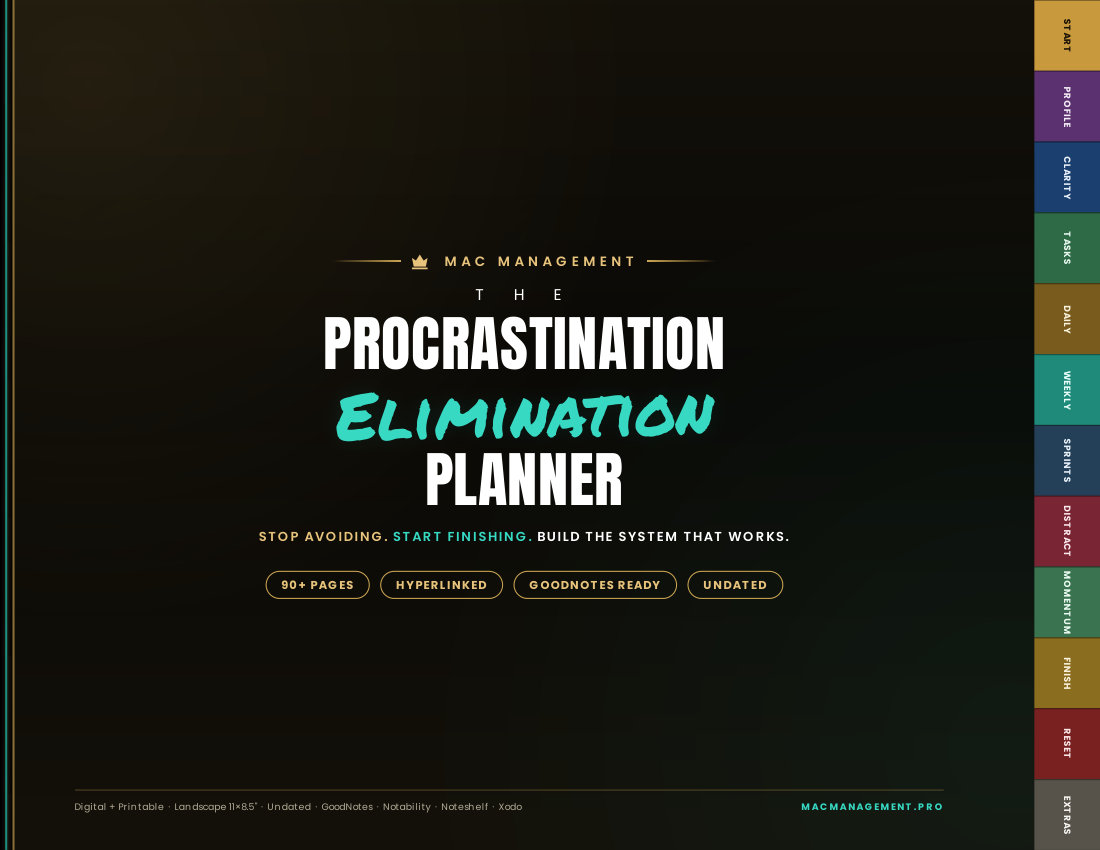
Best if you want to print pages, save the file as a PDF, or use the planner on an iPad/tablet in apps like Goodnotes, Notability, Noteshelf.
How tablet use worksIf you want to write on the planner in a tablet app, buy the printable option.
The printable-only edition is the right choice for Goodnotes, Notability, Noteshelf, Xodo, Samsung Notes, and other PDF annotation apps. You do not need the monthly app subscription for that workflow.
- 01Buy printable-only
Choose your planner, then select the one-time printable edition on that product page.
- 02Download from your account
Use the same email at checkout and sign-in so your printable delivery appears in your customer account.
- 03Save or export as PDF
If your device asks, save the printable file as a PDF before moving it into your notes app.
- 04Import into your app
Upload the PDF into Goodnotes, Notability, Noteshelf, Xodo, or your preferred tablet planning app.
Which option should you choose?
Choose monthly access if...
- You want to work inside the MAC MANAGEMENT planner app.
- You want account-based saving and an online workspace.
- You want app updates while your subscription is active.
Choose printable if...
- You want to use it on an iPad or tablet.
- You want to import it into Goodnotes, Notability, or another PDF app.
- You want to print pages or keep a one-time personal-use file.
The full planner catalog lives on its own page.
Use the sales page to decide how you want to buy. Then go to the catalog, pick the planner built for your situation, and choose monthly access or printable-only on that product page.
- 1. Pick your planner.
Choose the command center for your current goal, season, or problem.
- 2. Choose your format.
Select monthly digital access or printable-only on the product page.
- 3. Start planning.
Use the app workspace, print pages, or import the PDF into your tablet notes app.

Structure without shame. Strategy without impossible standards.
MAC MANAGEMENT planners are designed to help you see what matters, make the next decision, and build momentum that respects your actual capacity.